Manual Verification
Manual Verification challenges are only available on Hosted CTFd instances or with the purchase of the Manual Verification CTFd plugin
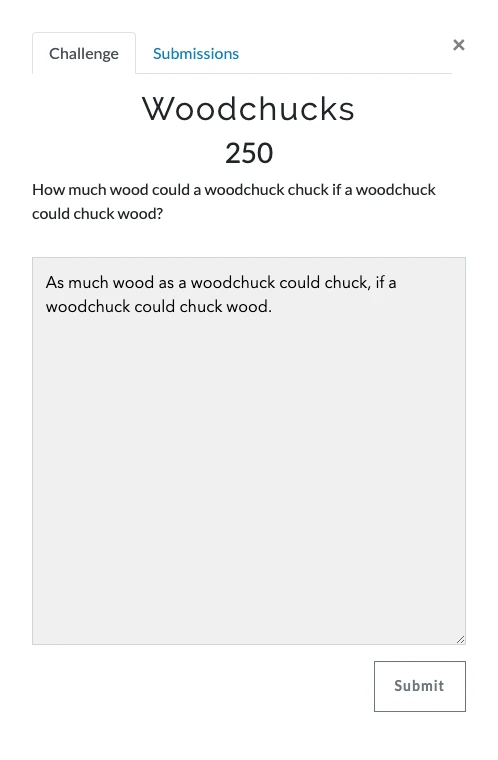
Manual Verification challenges allow admins to ask questions that have longer form answers. When interacting with manual verification challenges, users are prompted to put in longer form text.
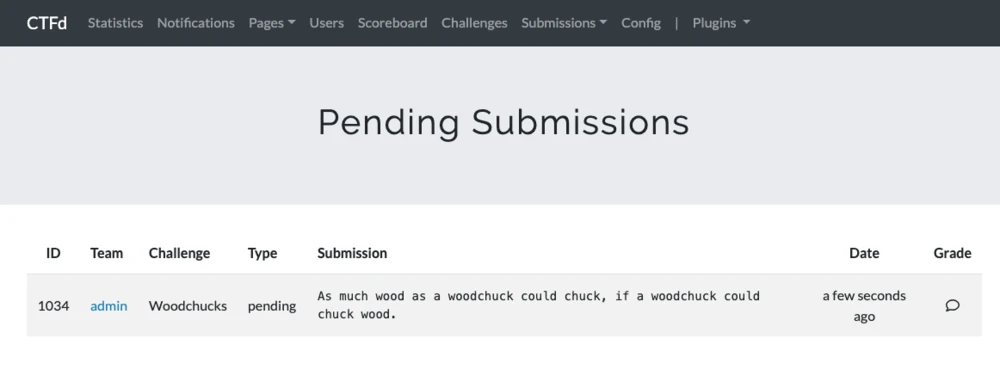
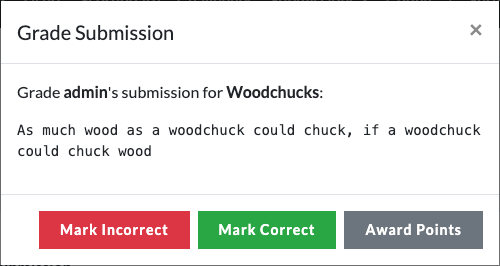
Then in the Admin Panel, admins are able to evaluate the submission and manually mark the submission as correct.
Alternatively, awards can be given to the user instead of fully marking the challenge as solved.
Email Notifications
When a user makes a new pending submission for a Manual Verification challenge, CTFd can send an email notification to admins to let them know there is a pending submission to review.
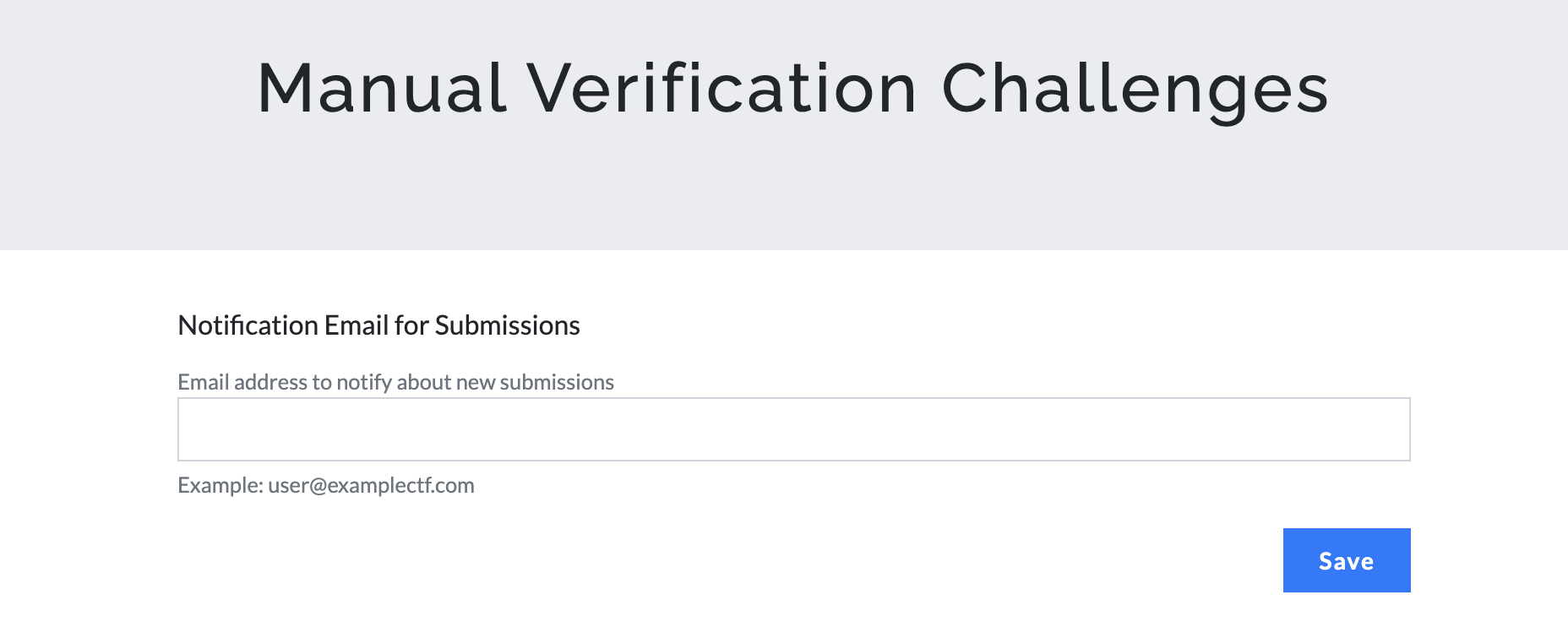
To configure the notification email address, open Admin Panel -> Plugins -> Manual Submissions and click the Manual Verification Settings gear icon.
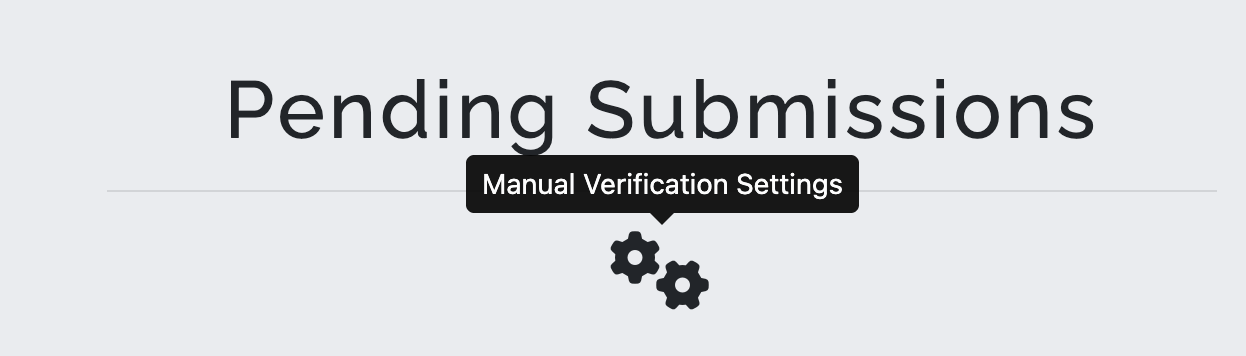
Enter the email address that should receive notifications for new submissions and click Save.
Emails are only sent if this is the user's only pending submission for that challenge. If the user already has a pending submission awaiting review for the same challenge, no additional email is sent.
Manual Verification challenges do not allow you to make a challenge worth different values to different users. You cannot mark a challenge as solved for two users with two different challenge values.
To be clearer, if you mark a challenge as solved with a manual verification, the user will receive the point value of the challenge.
Alternatively, if you wish to award points that are different for each user instead of marking the challenge solved, that is supported in the Manual Verification plugin. However, awards will not prevent the user from submitting more submissions whereas marking the challenge solved means the user cannot submit more to that challenge.