Preset Admin Account
A preset admin account is an account that will automatically be created and promoted to an admin when specific credentials are used to login.
You can create a preset admin account in Hosted CTFd to allow for easy instance configuration.
info
Preset admins are only created. An existing user with the same credentials are not promoted to admins.
Configuration
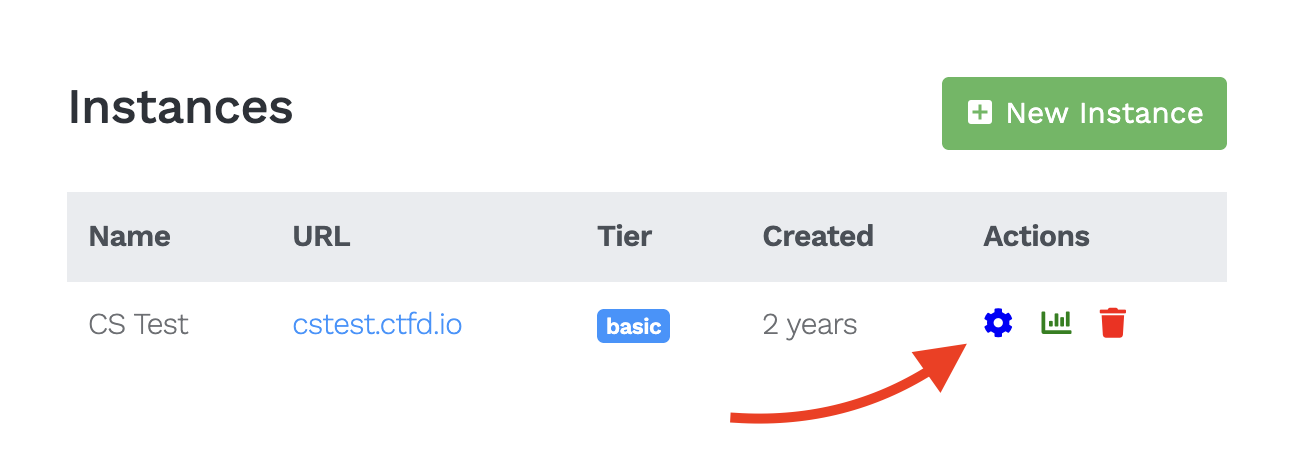
- Open the management portal by heading to cloud.ctfd.io then click the Settings gear icon next to the instance.
- Click Preset Account in the left side menu.
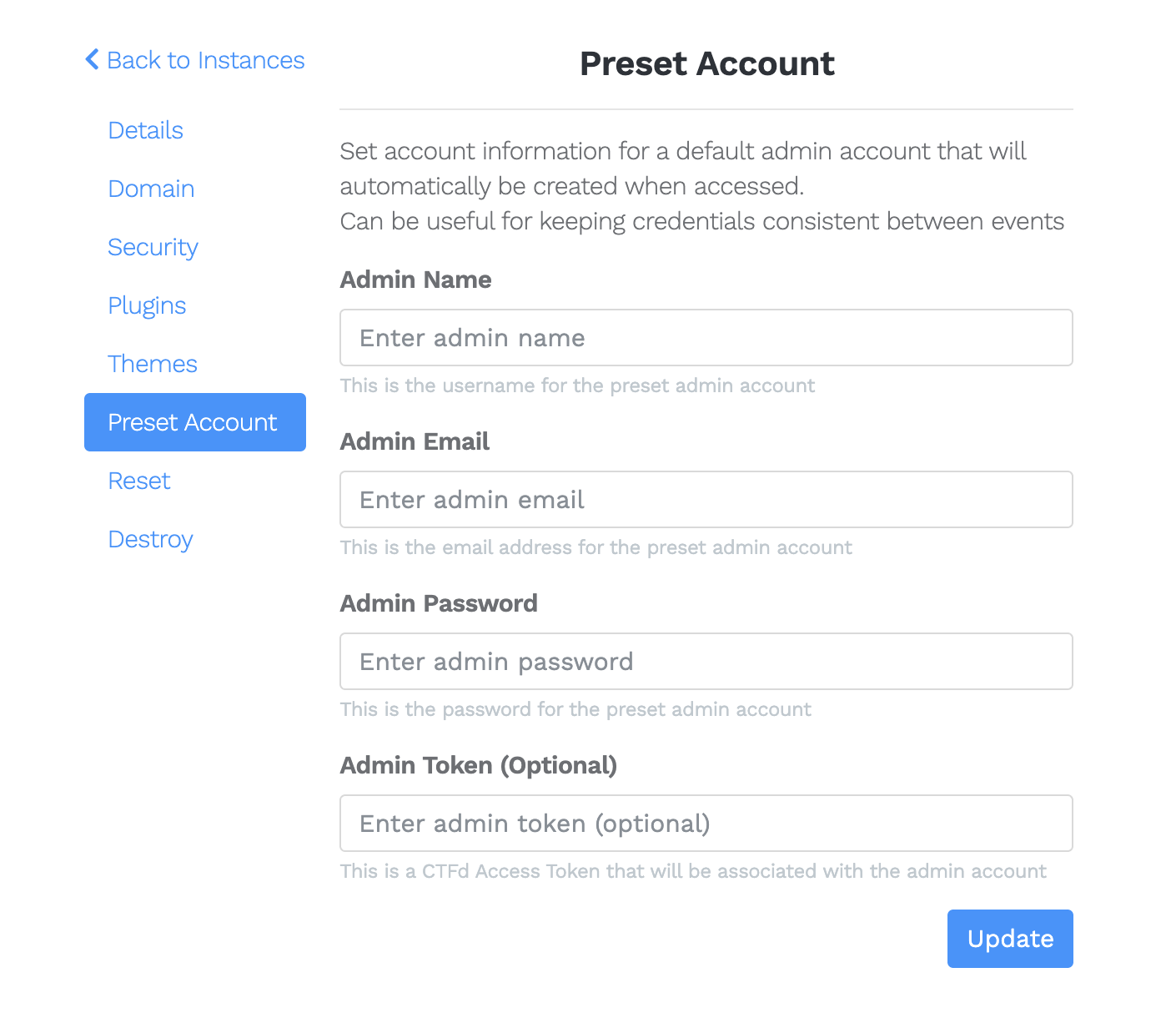
- Enter in the desired information, then click Update.