Custom Fields
The Custom Fields feature allows you to ask additional information about users/teams when they register.
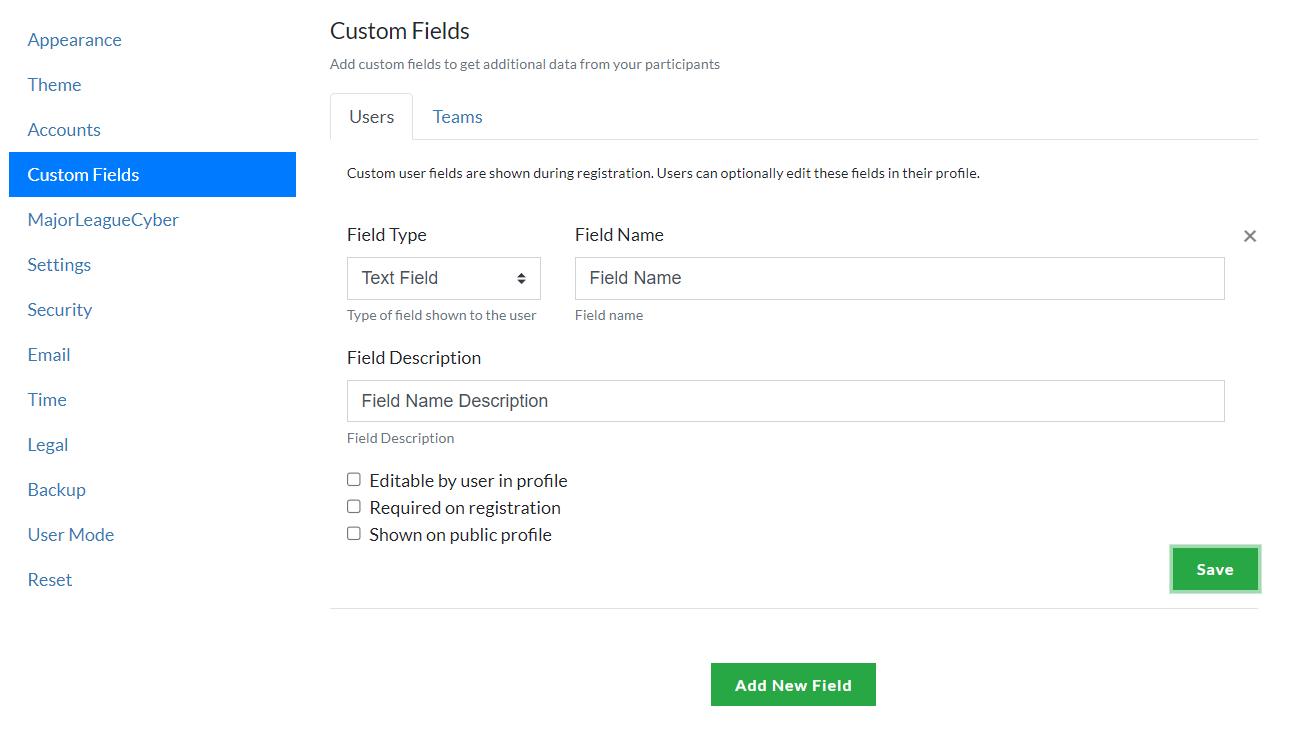
Whether you are creating a custom field for a user or a team, you get the same options as follows:
Options
- Field Type
- Field Name
- Field Description
- Editable by user in profile
- Required on registration
- Shown on public profile
Field Type
Allows you to choose the type of input. The available inputs are:
- Text Field
- Checkbox
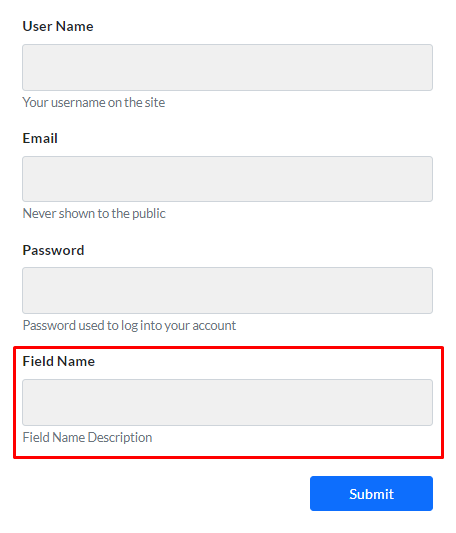
Text Field
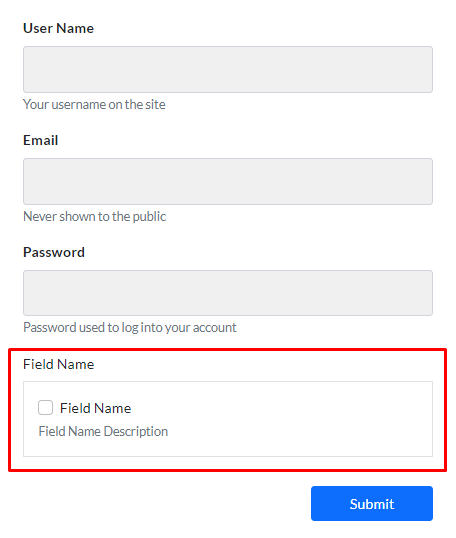
Checkbox
Field Name
Allows you to choose the name of the field.
Text Field

Checkbox

Field Description
Add a description for your chosen field type.
Text field and Checkbox description:

Editable by user or team admin in profile
Specify if the field can be edited in the user or team's profile.

Users can edit the specified field/s at /settings > Profile tab.
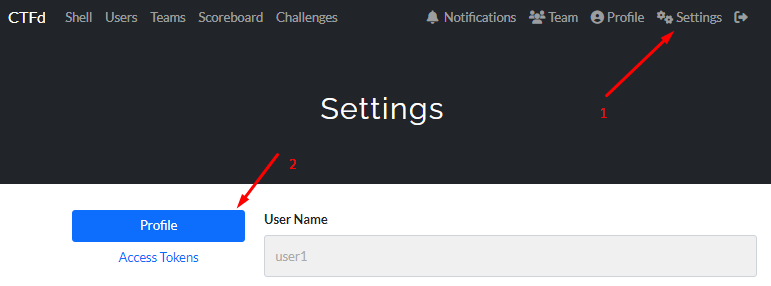
Team captain can edit the specified field/s /team > Edit Team gear icon.

Required on registration
Specify if the field is required or optional on registration.
Shown on public profile
Specify if the information added should be shown on the user or team's public profile.
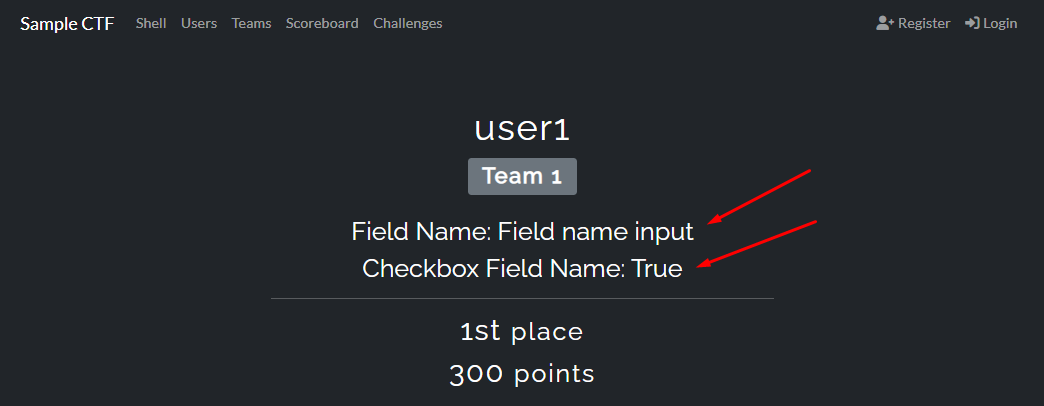
The new fields are displayed on a user's public profile as shown in the picture below. If the Checkbox custom field is shown on public profile, it displays true. The fields are also displayed the same way on a team's profile.