Manual Verification Challenges
Manual verification challenges are available on the Plus tier of Hosted CTFd or as a plugin in the CTFd store (https://ctfd.io/store/).
Using Manual Verification Challenges
Manual verification challenges are a good option for open ended questions, ie "Give an example of social engineering campaign and how you can protect against it". Manual verification allows you to grade the responses and award partial points.
Manual verification can be found on the Create Challenge page, under Challenge Types.
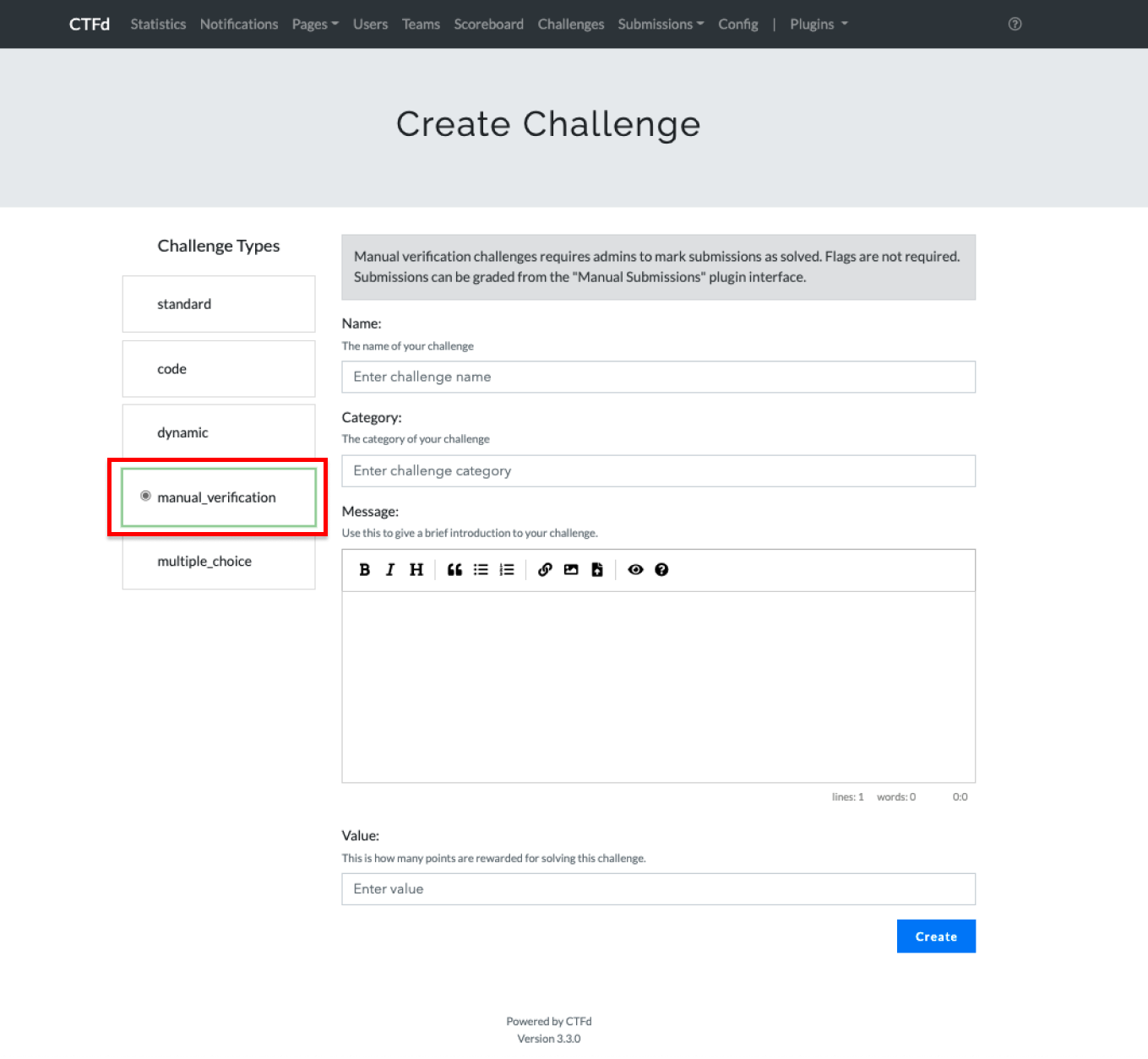
Participants will be able to submit their submission in a long form textbox.
Grading Manual Verification Challenges
You can grade the submissions in the Admin Panel -> Plugins -> Manual Submissions
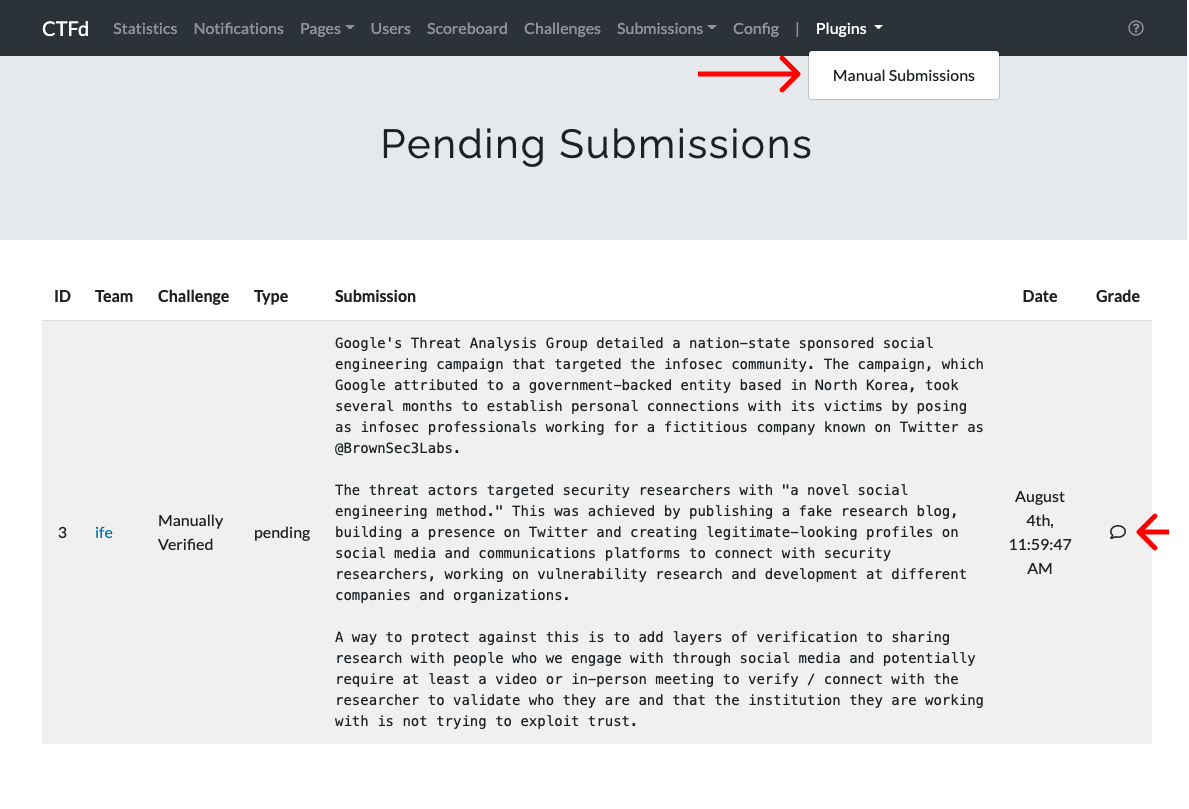
The grade submission popup will have the options to Mark Incorrect, Mark Correct, or Award Points.

Email Notifications
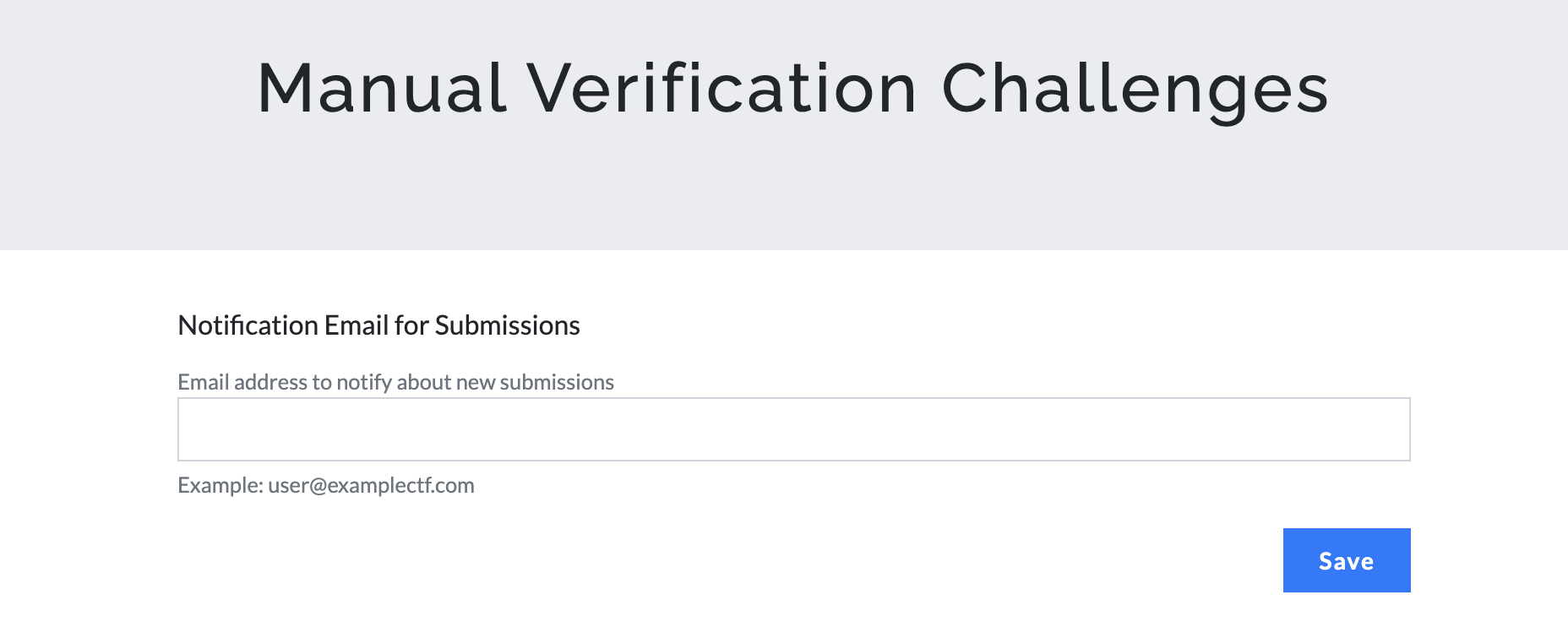
Manual Verification challenges can send an email notification when a user makes a new pending submission. This helps admins know when there is a submission waiting to be reviewed.
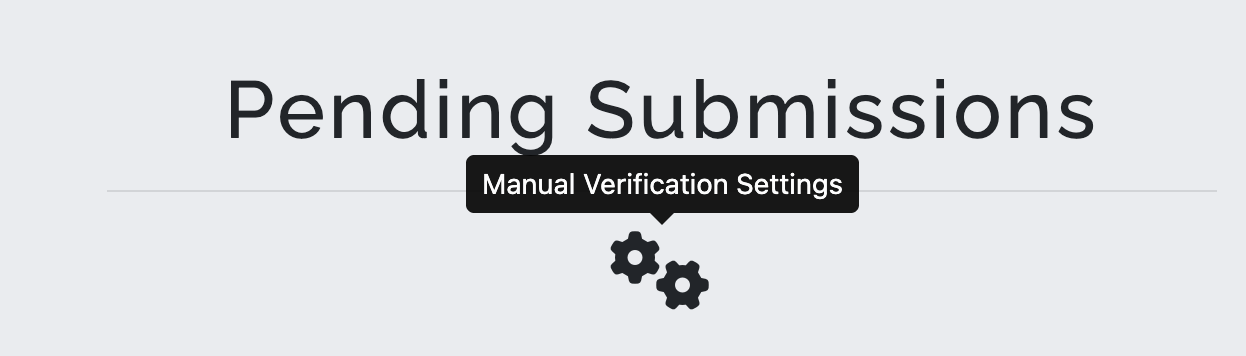
To configure the notification email address, go to Admin Panel -> Plugins -> Manual Submissions and click the Manual Verification Settings gear icon.
Enter the email address that should receive notifications for new submissions and click Save.
Emails are only sent if this is the user's only pending submission for that challenge. If the user already has a pending submission awaiting review for the same challenge, no additional email is sent.